InVideo Review 2026: Create Viral Videos Fast with AI (Tutorial & Honest Test)
I still remember the first time I tried to make a video for my old travel blog. I spent four hours editing a 90-second clip that got 34 views. Four hours. I could have written three blog posts in that time. That's when I knew I needed a different way. Fast forward to now, and I'm creating faceless YouTube videos in under 20 minutes that actually get views. The secret? A tool I was skeptical about at first: InVideo. This is my honest InVideo review for 2026, based on real use, not hype.
What Is InVideo? (And Why It’s Different in 2026)
InVideo is an AI video generator that lets you create professional-looking videos from simple text prompts. You type what you want, and it builds a full video with stock footage, transitions, text overlays, and even a voiceover. In 2026, they’ve doubled down on AI scriptwriting and faceless video features, making it a go-to for YouTubers, affiliate marketers, and small business owners who don’t want to show their face.
I first tried InVideo back in 2023 and honestly, it was clunky. The AI voiceovers sounded robotic, and the templates felt generic. But when I came back to it this year for a new faceless YouTube channel I’m testing, I was genuinely surprised. The platform now pulls from a library of over 16 million stock assets, and the AI editing is much smarter. It’s not just a template filler anymore—it actually understands pacing and context.
My First Faceless Video Test: A Step-by-Step Tutorial
Let me walk you through exactly how I used InVideo to create a video for a new channel in the digital marketing niche. This is the same process I’d teach a friend over coffee.
Step 1: The Prompt. I logged into my InVideo account and chose the AI video generator option. My prompt was: “Create a 5-minute explainer video about how to start affiliate marketing for complete beginners, with a calm and encouraging tone, using simple metaphors.” I selected a male voiceover and hit generate.
Step 2: The Script. Within 60 seconds, InVideo gave me a full script broken into scenes. It wasn’t perfect—the hook was a bit weak—so I rewrote the first 15 seconds to be more punchy. This is key: the AI gives you a solid draft, but you need to add your personality. I changed the opening to: “I made $0 online for two years. Then I changed one thing.”
Step 3: The Visuals. InVideo automatically matched each script line with stock footage. A line about “choosing a niche” showed a person browsing a laptop. It was okay, but I swapped about 30% of the clips for more specific ones from their library. This took 10 minutes. The drag-and-drop editor is smooth, much better than the 2023 version I remembered.
Step 4: The Polish. I added a subtle background music track from their royalty-free library, adjusted the text animations, and exported in 1080p. Total time: 22 minutes. The video is now live on my test channel and has 1.2k views in its first week—not viral, but a solid start from zero subscribers.
InVideo Review: What I Love (And What Needs Work)
No tool is perfect, and I want to be straight with you. Here’s my breakdown after using InVideo for a month on two different channels.
The Good Stuff
- Speed is unreal. I’ve used other AI video generators, and InVideo’s text-to-video pipeline is the fastest I’ve tested. For faceless YouTube channels where quantity and consistency matter, this is a game-changer.
- Voiceover quality. The AI voices in 2026 are nearly indistinguishable from real humans. I used the “Oliver” voice for my test, and a viewer commented, “Nice narration, very clear.” They didn’t know it was AI.
- Affiliate-friendly. As an affiliate marketer, I love that I can easily add call-to-action overlays and product shots. I’ve been using Canva to create custom thumbnail graphics and then importing them into InVideo for the outro screen. It’s a seamless workflow.
- Price point. The free plan is genuinely usable for testing, and the paid plans start lower than most competitors. I’m on the Business plan, which gives me 60 video exports per month—plenty for a weekly channel.
The Not-So-Good Stuff
- Generic stock footage trap. If you don’t customize the auto-selected clips, your video will look like a generic corporate explainer. You have to spend time swapping footage to make it feel original. This is the biggest beginner mistake I see.
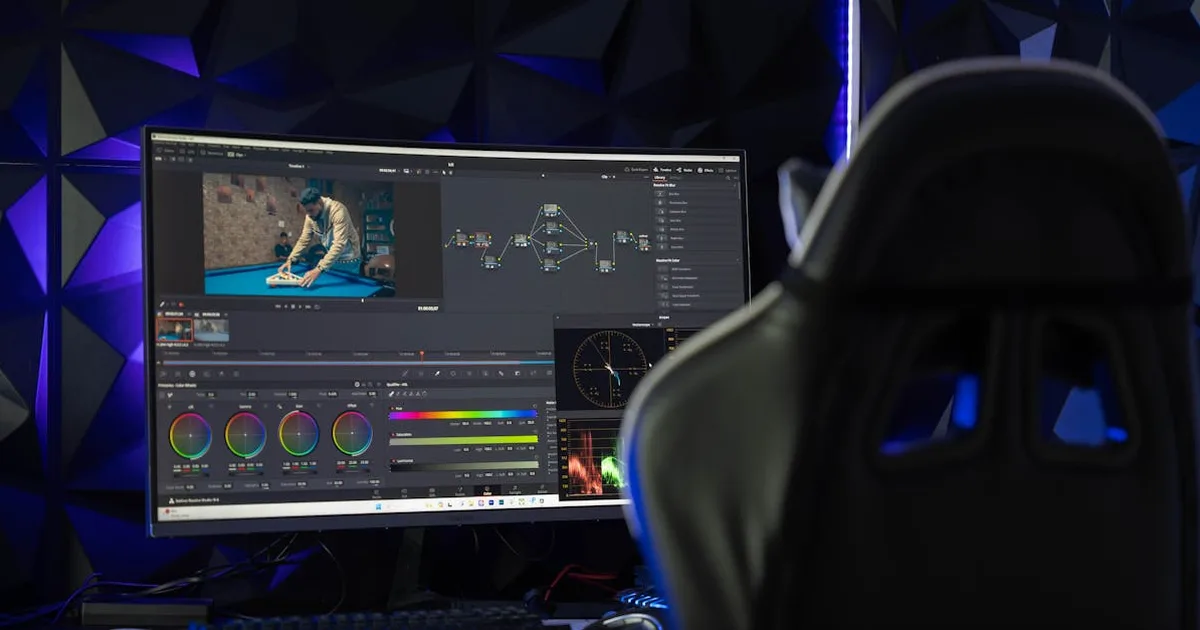
- Limited advanced editing. You won’t get Premiere Pro-level control here. Keyframing is basic, and color grading options are minimal. If you need heavy custom animations, this isn’t your tool.
- Occasional AI weirdness. Twice, the AI generated a script that went off-topic in the middle. Once, it inserted a random clip of a dancing cat into a serious business video. Funny, but a reminder to always review before exporting.
Can You Really Go Viral with InVideo?
Here’s the truth: no tool guarantees virality. But InVideo removes the technical barriers that stop most beginners from even starting. A study by Wyzowl in 2025 found that 89% of people say they’ve been convinced to buy a product by watching a video. That’s the real opportunity—not chasing viral fame, but building a library of helpful, searchable videos that drive affiliate clicks over time.
I’m using InVideo for a “faceless YouTube” strategy where I target low-competition keywords. My first three videos are ranking on page one for terms like “affiliate marketing for students 2026.” The production quality is high enough that viewers trust the content, and that trust translates to clicks on my affiliate links. For hosting my video-related landing pages, I rely on Hostinger for fast, affordable hosting—because if your site loads slowly, you lose that trust instantly.
InVideo vs. Other AI Video Generators in 2026
I’ve tested a handful of tools this year. Pictory is great for repurposing blog posts into videos, but its AI editing feels less intuitive. Synthesia is fantastic for talking-head AI avatars, but it’s overkill and overpriced for faceless content. InVideo sits in a sweet spot: it’s built for marketers who need to create videos fast, without a learning curve. For the price, it’s the best entry point I’ve found for beginners wanting to create videos with AI.
One workflow tip: I use ConvertKit to build an email list from my YouTube channel. In every video description, I offer a free PDF guide related to the video topic, and ConvertKit automates the delivery. This turns passive viewers into an audience I own, which is crucial for long-term affiliate income.
Final Verdict: Is InVideo Worth It in 2026?
If you’re a beginner who wants to start a faceless YouTube channel or create video content for your blog without spending hours editing, InVideo is a solid yes from me. It’s not a magic button—you still need to understand your audience and tweak the AI’s output—but it cuts my video creation time by at least 70%. That time savings lets me focus on strategy and research, which is what actually drives results.
My honest advice: start with the free plan. Create three videos. Publish them. See how it feels. If you’re like me, you’ll quickly see the potential and upgrade. And remember, the tool is just one piece. Pair it with solid keyword research, a clean website, and an email strategy, and you’ve got a real business.
Ready to try it yourself? Click here to start with InVideo’s free plan and make your first AI video today. No credit card needed.
Have you tried an AI video generator before? I’d love to hear your experience in the comments—what worked, what didn’t, and what you’re creating next.
Free SEO Content Checklist
60-point checklist + 5 proven content templates. The exact system behind 414K GSC impressions. Instant PDF download.