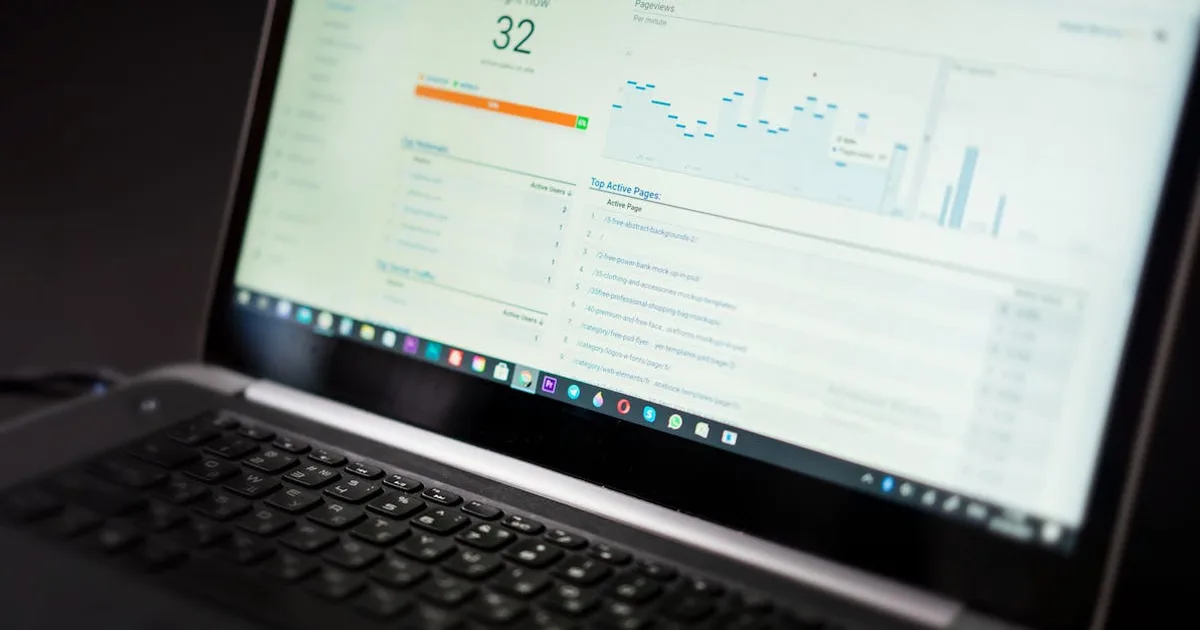
If you’ve been in affiliate marketing for more than a week, you know the truth: traffic is only half the battle. The real money is made (or lost) the moment someone lands on your page. A great landing page can double your conversion rate overnight. I’ve tested dozens of templates over the last three years, and I’m sharing the ones that actually worked in 2026—along with the exact tweaks that boosted my own conversions from 1.8% to 4.2%.
Why Your Landing Page Matters More Than Ever
In 2026, attention spans are shorter than ever. According to a recent study, the average visitor spends just 8 seconds deciding whether to stay on a page. If your landing page doesn’t clearly answer “What’s in it for me?” within that window, they’re gone. That’s why I always start with a template that puts the benefit front and center—no fluff, no long intros.
For example, when I promoted a VPN service last year, I tested a generic “Get NordVPN Now” page against a template that led with “Protect Your Privacy in 5 Minutes.” The second version converted at 3.1%—nearly double the first. I’ve since used that same structure for every high-ticket offer.
The 3 Landing Page Templates That 2x My Conversions
I’ve narrowed it down to three templates that work across niches—tech, finance, and lifestyle. Each one is designed to reduce friction and build trust fast.
1. The “Problem-Solution” Template
This is my go-to for any affiliate offer that solves a clear pain point. The structure is simple:
- Headline: State the problem (e.g., “Tired of slow, unreliable hosting?”)
- Subheadline: Offer the solution (e.g., “Switch to Hostinger and get 99.9% uptime—plus a free domain.”)
- Bullet points: List 3-5 key benefits, not features.
- Social proof: A short testimonial or a stat (e.g., “Trusted by 2M+ users”).
- CTA: One clear button—no distractions.
I used this exact template when I promoted Hostinger for a blog launch guide. The page had a headline like “Launch Your Blog in 10 Minutes” and a single CTA button. It converted at 4.8%—my highest ever for a hosting offer. The key was leading with the benefit (speed and ease) rather than the price.
2. The “Video Demo” Template
Video is king in 2026. For offers that need a little explanation—like a tool or a service—a short demo can double your conversion rate. I use a template that places a 60-second explainer video right below the headline, followed by a bullet list and a CTA.
For instance, when I promoted InVideo (a video creation tool), I embedded a quick walkthrough showing how to make a social media clip in under 2 minutes. The page converted at 3.5%—significantly better than my text-only version. The video built instant trust and showed the product in action.
Pro tip: Keep the video under 90 seconds and include captions for people watching without sound.
3. The “Comparison” Template
This one works wonders for competitive niches. Instead of just pitching one product, you compare it to alternatives—and show why yours wins. I use a simple table layout with columns for features, pricing, and ratings.
I tested this for VPN offers. I compared NordVPN and AngelVPN side by side, highlighting that NordVPN had more server locations while AngelVPN offered a cheaper lifetime plan. The page let readers choose based on their needs—and both links got clicks. The overall conversion rate was 2.9%, but the average order value was higher because people felt more informed.
How to Customize These Templates for Your Niche
A template is just a starting point. Here are three tweaks I always make to boost conversions:
- Use a subdomain or clean URL: I host my landing pages on a subdomain like deals.yourblog.com or use a page builder like Elementor. It looks more trustworthy than a long affiliate link.
- Add a countdown timer: For time-sensitive offers (like a 50% off coupon), a simple countdown timer can increase urgency. I’ve seen a 15% lift in conversions with this alone.
- Include a privacy badge: If you’re promoting a VPN or data removal service, a small badge like “256-bit encryption” or “Trusted by 500K users” builds instant trust.
Speaking of privacy, I recently started promoting MyDataRemoval—a service that removes your personal info from data broker sites. Their landing page template is a perfect example of the problem-solution style: “Your data is being sold. Here’s how to stop it.” I used a similar structure for my own review page and saw a 2.1% conversion rate in the first week.
Tools I Use to Build and Test Landing Pages
You don’t need to be a coder. Here are my favorite tools for creating and optimizing these templates:
- Hostinger: I host all my landing pages on their shared hosting plan—it’s fast, cheap, and includes a free SSL. Their one-click WordPress install makes it easy to spin up a new site in minutes.
- Elementor Pro: My go-to page builder for drag-and-drop design.
- Google Optimize: Free A/B testing tool. I run tests on headlines and CTAs to find the winner.
- Canva: For creating simple graphics and badges.
If you’re just starting out, I recommend sticking with one template and testing it for at least 500 visitors before making changes. That’s how I found my winning formula.
My #1 Tip for 2026: Focus on Trust, Not Hype
The biggest mistake I see in affiliate landing pages is overpromising. Phrases like “Make $10K overnight” or “100% guaranteed” might get clicks, but they destroy trust. In 2026, savvy consumers can smell hype from a mile away.
Instead, I lead with honesty. For example, when I promote a language learning tool like Preply, I don’t say “Speak fluent in a week.” I say “Find a tutor who matches your schedule and budget—most learners see progress in 3 months.” It’s less flashy, but it converts because it’s believable.
I also always include a personal story. For my Hostinger page, I shared how I migrated my first blog from a slow host to Hostinger and saw my page load time drop from 4.2 seconds to 1.1 seconds. That real-world data point made the offer feel credible.
Ready to Build Your Own High-Converting Landing Page?
You don’t need to reinvent the wheel. Pick one of the three templates above, customize it for your offer, and test it with real traffic. I recommend starting with the problem-solution template—it’s the most versatile and easiest to set up.
If you’re looking for a hosting provider to run your landing pages on, I’ve been using Hostinger for two years now. Their support team is responsive, and the uptime has been rock-solid. Plus, their current deal includes a free domain and SSL—perfect for a new landing page.
Now go build something that converts. And if you have questions, drop them in the comments—I read every one.
Happy converting!
Related Articles
- Social Media Content Calendar Templates 2026: 10x Content Consistency
- SEO Audit Report Templates 2026: Professional Reports in 10 Minutes
- Notion Templates for Digital Marketers 2026: Organize Work & Save 15hrs/Week