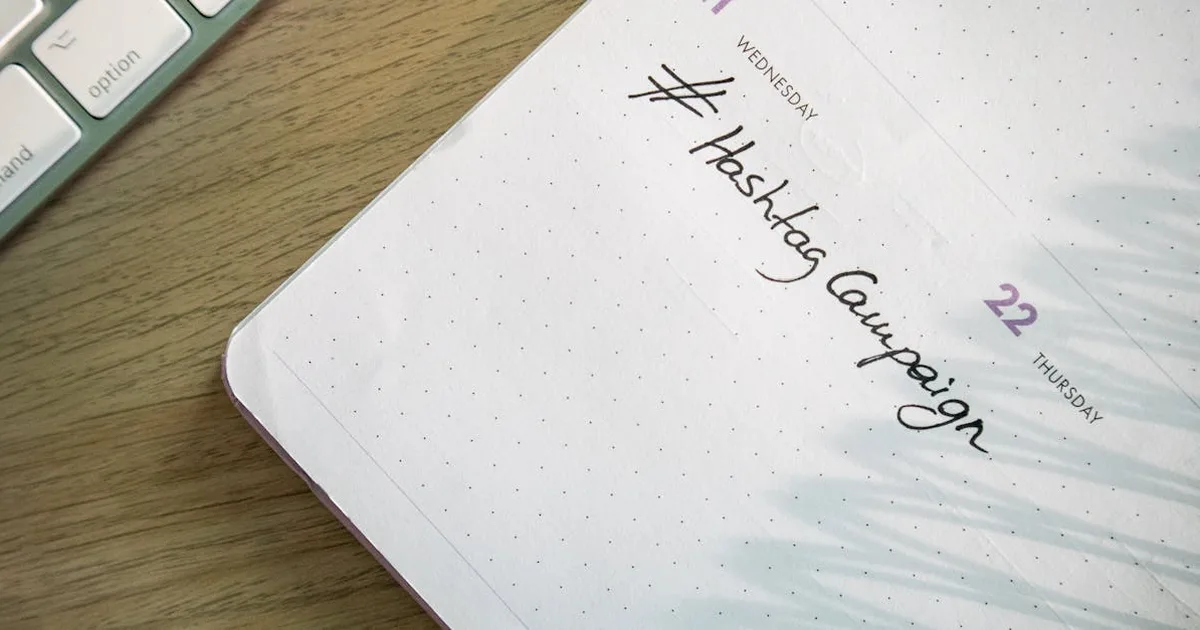
If you've ever stared at a blank social media dashboard at 8 AM wondering what to post, you're not alone. I've been there more times than I'd like to admit. The secret to never running out of ideas? A solid content calendar. In this post, I'll share the exact templates and strategies I use to keep my content pipeline full—and how you can do the same in 2026.
Why Most Content Calendars Fail (And How to Fix Yours)
I've tested dozens of calendar templates over the years. The ones that fail are usually too rigid or too vague. A good template should feel like a roadmap, not a straitjacket. Here's what I've learned: consistency doesn't mean posting every single day—it means showing up with value on a schedule you can actually keep.
The 2026 Content Calendar Template That Works
Below is the template I've refined over the past year. It's built around four content pillars that keep my audience engaged without burning me out.
1. The Weekly Theme Framework
Instead of planning every post individually, I assign a theme to each day of the week. For example:
- Motivation Monday – Inspirational quotes or personal wins
- Tip Tuesday – Quick actionable advice
- Behind-the-Scenes Wednesday – Real-life work snippets
- Throwback Thursday – Repurpose old high-performing content
- Fun Friday – Lighter, engaging posts
This structure alone saved me hours of decision fatigue. And when I need to quickly create video content for these themes, I use InVideo to turn blog posts into short clips in minutes. It's a lifesaver for repurposing.
2. The Batch Creation System
I block out two hours every Sunday evening to create a week's worth of posts. Here's my exact process:
- Brainstorm 7 ideas based on the weekly themes
- Write captions in a Google Doc
- Design graphics using Canva or InVideo
- Schedule everything with a tool like Buffer or Later
This batching method helped me go from scrambling every morning to having two weeks of content ready in advance. And because I'm working on a secure connection when I'm logged into my scheduling tools, I always use NordVPN to keep my accounts safe—especially when I'm editing on public Wi-Fi at a coffee shop.
3. The Repurposing Loop
One blog post can become 10 social media posts. I use a simple spreadsheet to track which content pieces I've repurposed. For instance, a 1,500-word article on email marketing becomes:
- 1 LinkedIn post with key takeaways
- 3 Twitter threads
- 2 Instagram carousels
- 1 TikTok video
This loop ensures I never run out of ideas. And when I need to clean up old data or remove my personal info from people-search sites before sharing behind-the-scenes content, I rely on MyDataRemoval to automate the process. It's one less thing to worry about.
Free vs. Paid Calendar Tools: What I Recommend
You don't need a fancy tool to start. A simple Google Sheets template works wonders. But if you want automation, here's my honest take:
- Free: Google Sheets, Trello, Notion
- Paid: CoSchedule, Later, Buffer
I personally use a hybrid: a Notion database for planning and Buffer for scheduling. It's affordable and flexible.
Practical Tip: The 80/20 Rule for Content
Here's a data point that changed my approach: 80% of my engagement comes from 20% of my content types. I track this in my calendar by marking which posts perform best. Over time, I've learned that my audience loves how-to videos and personal stories—so I now prioritize those. I suggest you do the same: review your analytics monthly and adjust your calendar accordingly.
If you're building a website to host your content calendar or blog, you'll need reliable hosting. I've been using Hostinger for over a year—their plans start at just $2.99/month and include a free domain. It's the perfect home for your online presence.
Your Turn: Grab the Template & Start
Consistency is a habit, not a gift. The template I shared above is simple enough to start today. Here's what I want you to do:
- Pick one social platform to focus on
- Create a simple weekly theme (like the one above)
- Batch your content this Sunday
- Schedule it and forget it
If you try this for two weeks, I promise you'll feel the difference. And if you ever get stuck, just remember: done is better than perfect. Now go make your content calendar—and let me know how it goes!
Related Articles
- SEO Audit Report Templates 2026: Professional Reports in 10 Minutes
- Affiliate Marketing Landing Page Templates 2026 (2x Conversion Rate)
- Notion Templates for Digital Marketers 2026: Organize Work & Save 15hrs/Week